Clear glass, your way
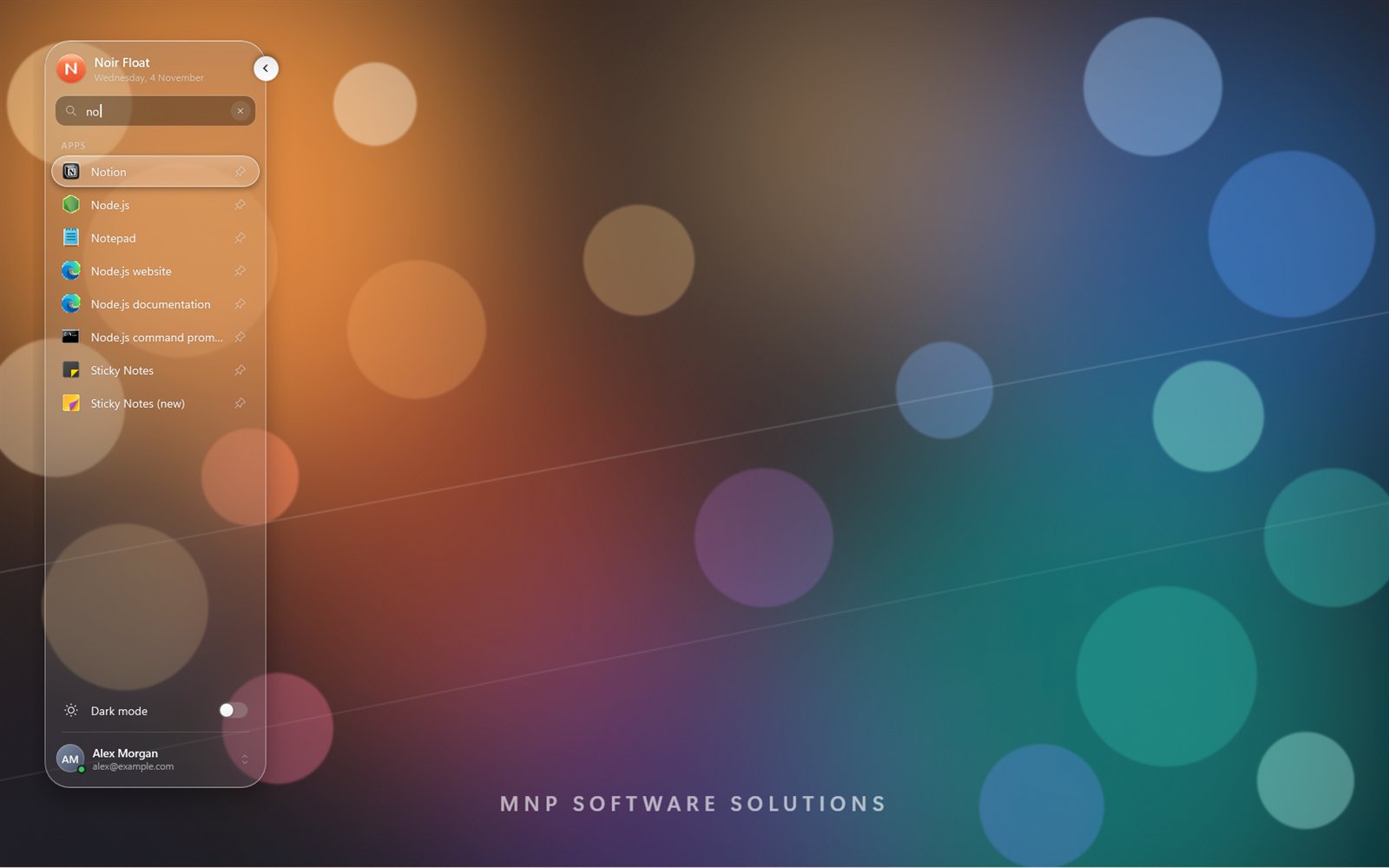
Crystal clear by default, with a Blur slider for as much frost as you like.
 Noir Float
For Windows 10 and Windows 11
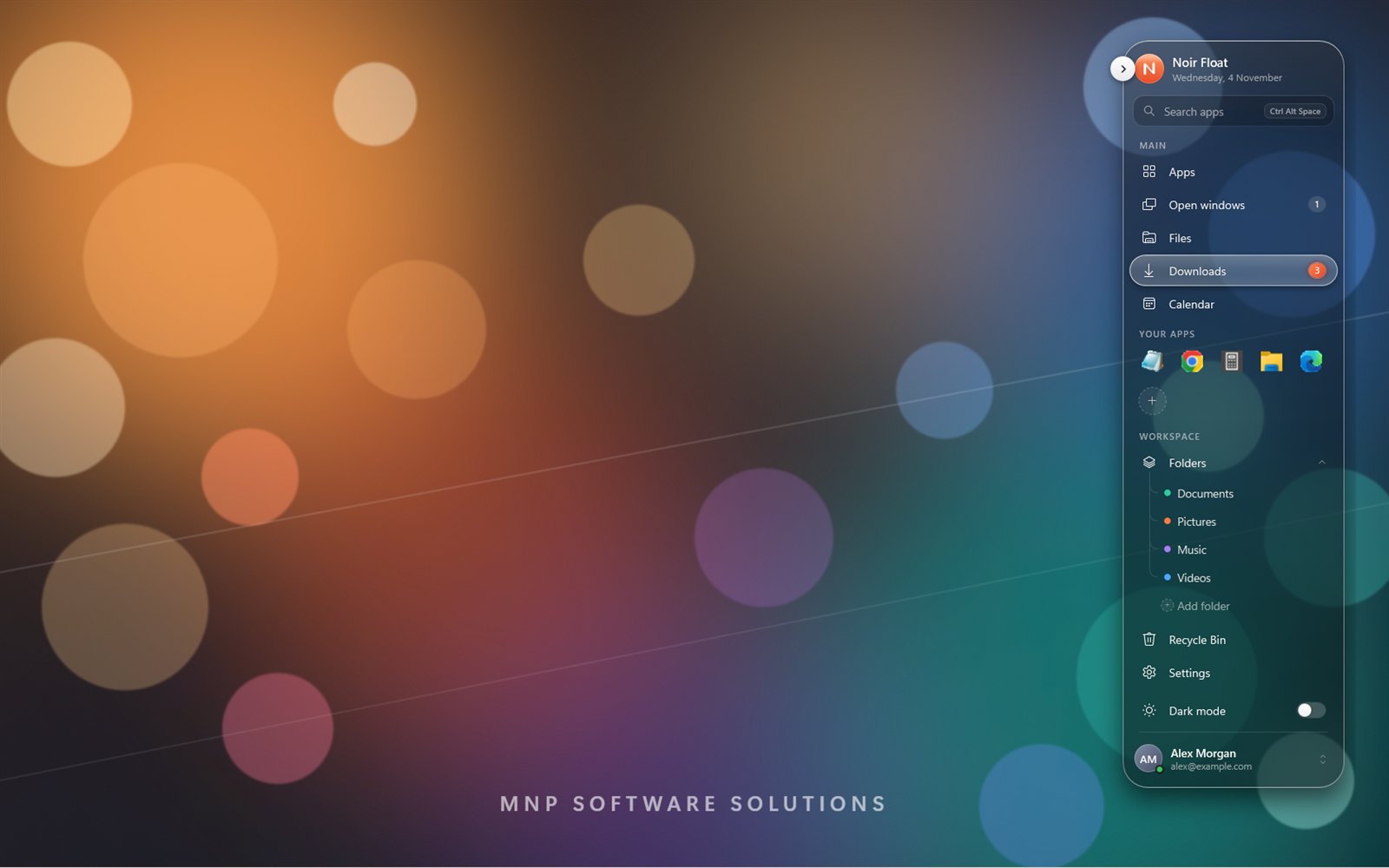
Clear glass, live counts, your apps and folders, and app search from anywhere. Put it on any edge of your screen.
7-day free trial · US$4.99 once · no subscription

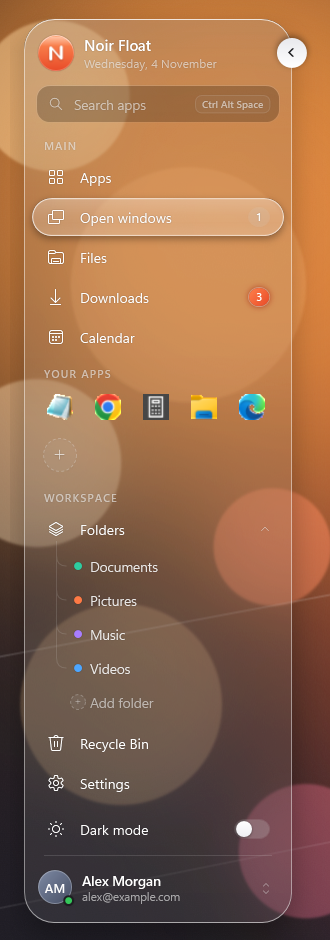
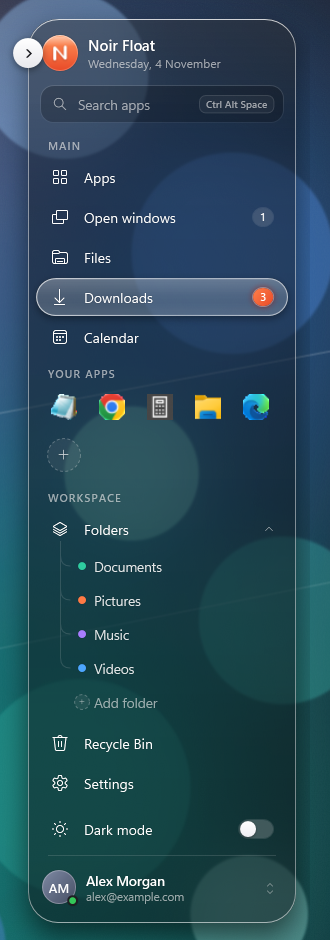
Crystal clear by default, with a Blur slider for as much frost as you like.
Over a bright picture the glass darkens itself a little, so the words stay clear.
Drag it to the left or right edge, the top or the bottom, or leave it floating.
Open windows, new downloads and the Recycle Bin, with a count beside each.
Press Ctrl+Alt+Space, type a few letters and press Enter.
Your apps and folders one click away, and your own logo, letters or picture, and title.
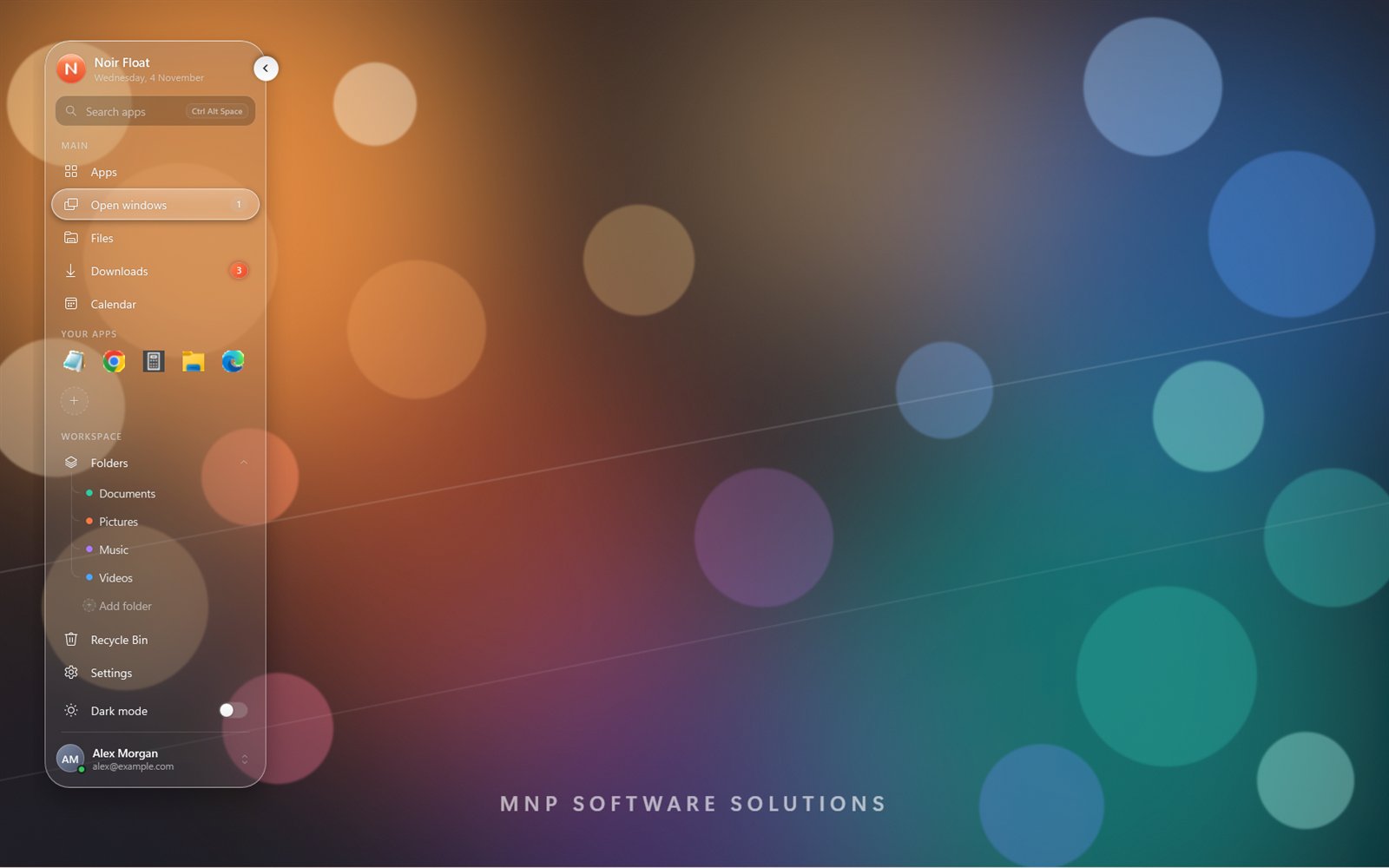
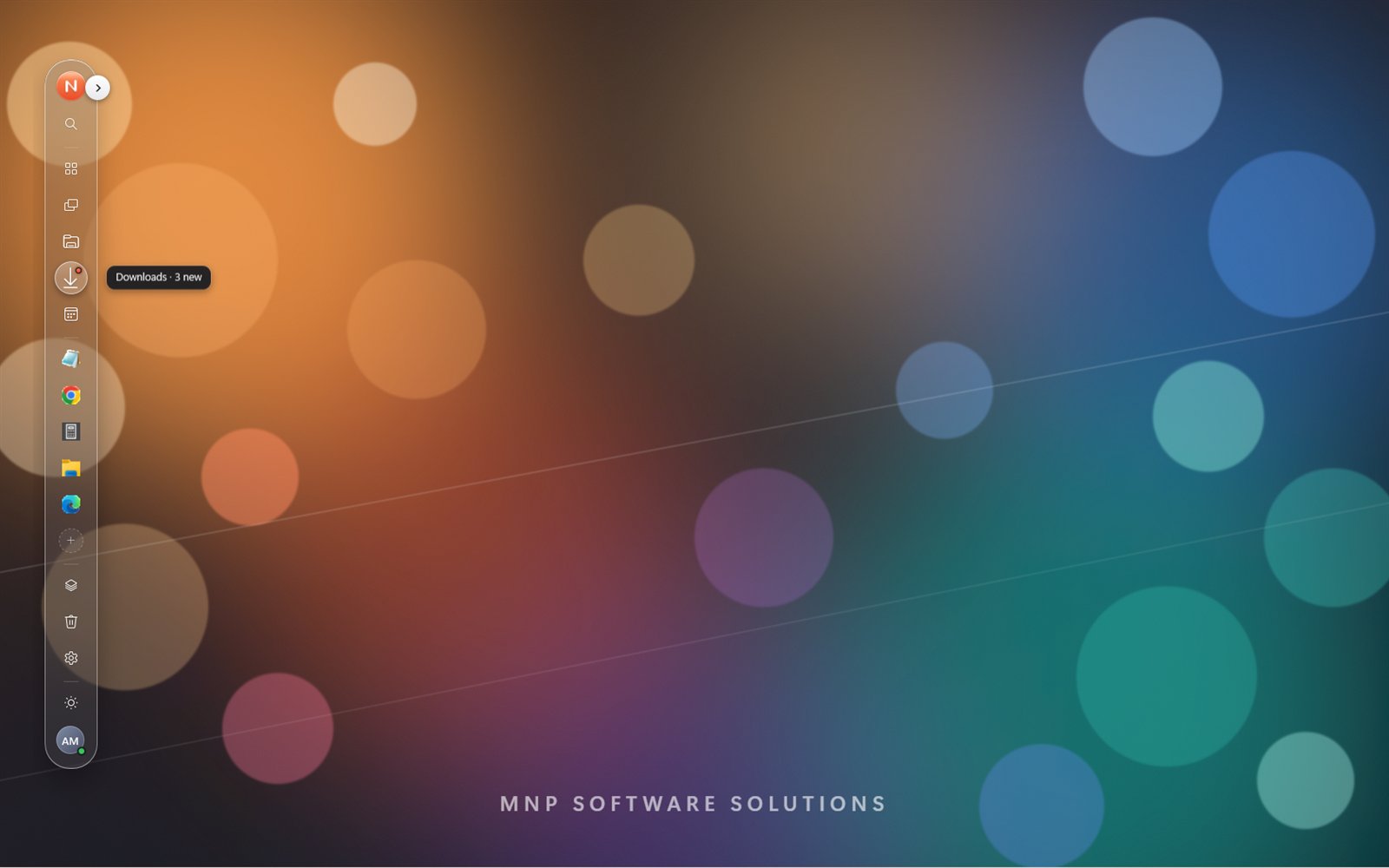
No accounts, no advertising, no tracking. Its only trip online is the Microsoft Store licence check.
Noir Float changes no Windows setting. Even its Dark mode switch changes only its own glass.
Every move is drawn by your graphics card at your screen’s full frame rate, and it rests quietly when idle.
US$4.99 once
Windows 10 version 2004 or later, or Windows 11. The glass needs “Transparency effects” turned on in Windows Settings.
Try it free for 7 days with nothing locked. Then buy it once, with no subscription. The Microsoft Store handles the trial and the payment. The price is US$4.99; the Store shows it in your own currency.
No. Noir Float has no accounts, no advertising and no tracking. It only goes online through the Microsoft Store, to check your licence. Read the privacy policy.
While Windows Energy Saver is on, Windows turns blur off for every app. The glass comes back when Energy Saver goes off.
Uninstall it from Start like any Store app. Its settings go with it.
Write to sreeramajagadeesh@live.com. We read every message.